MiniMax Setup
Configure MiniMax in Chatbox with the correct CN or Global provider and API key, including Token Plan access and model selection.
Add the Provider
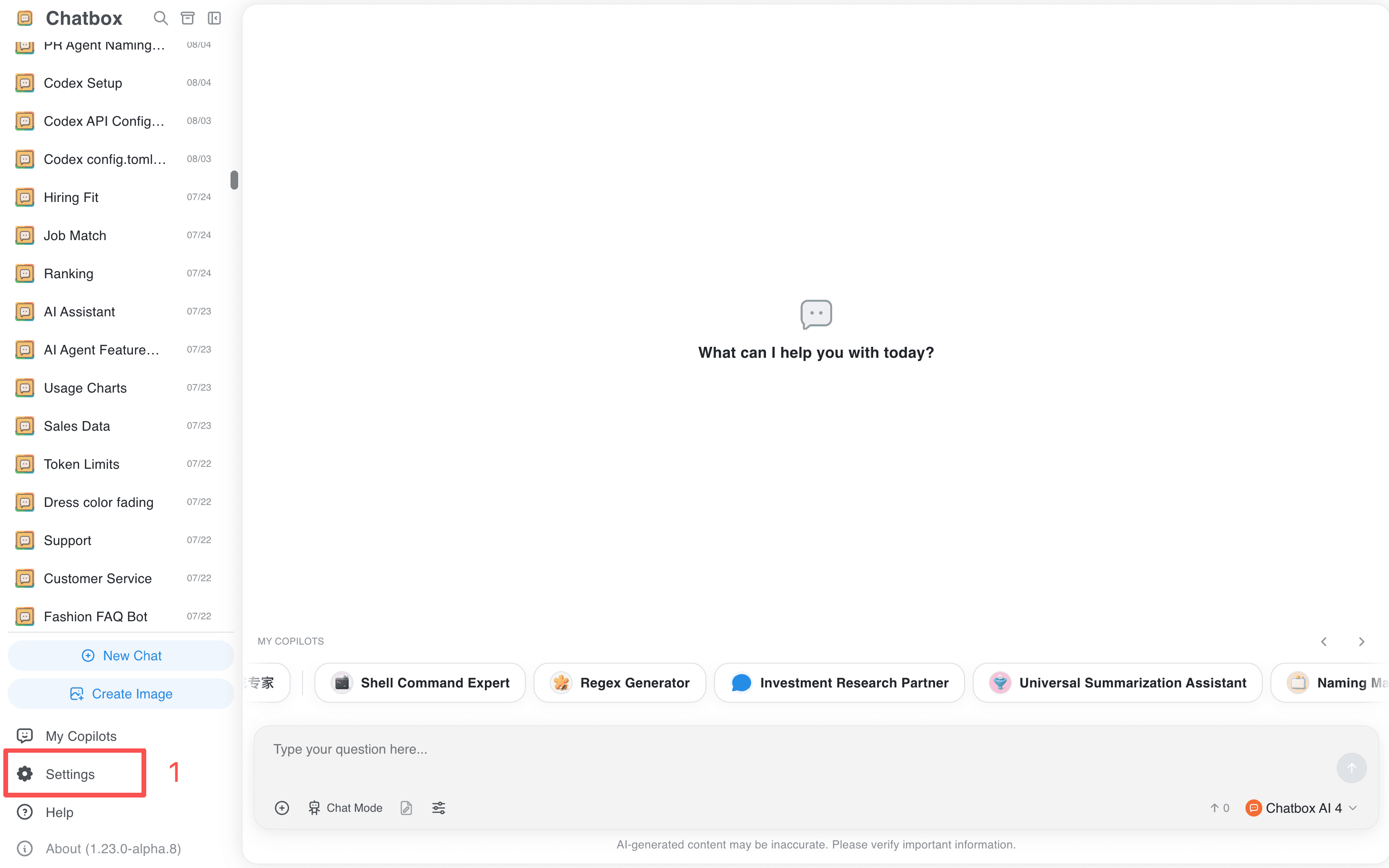
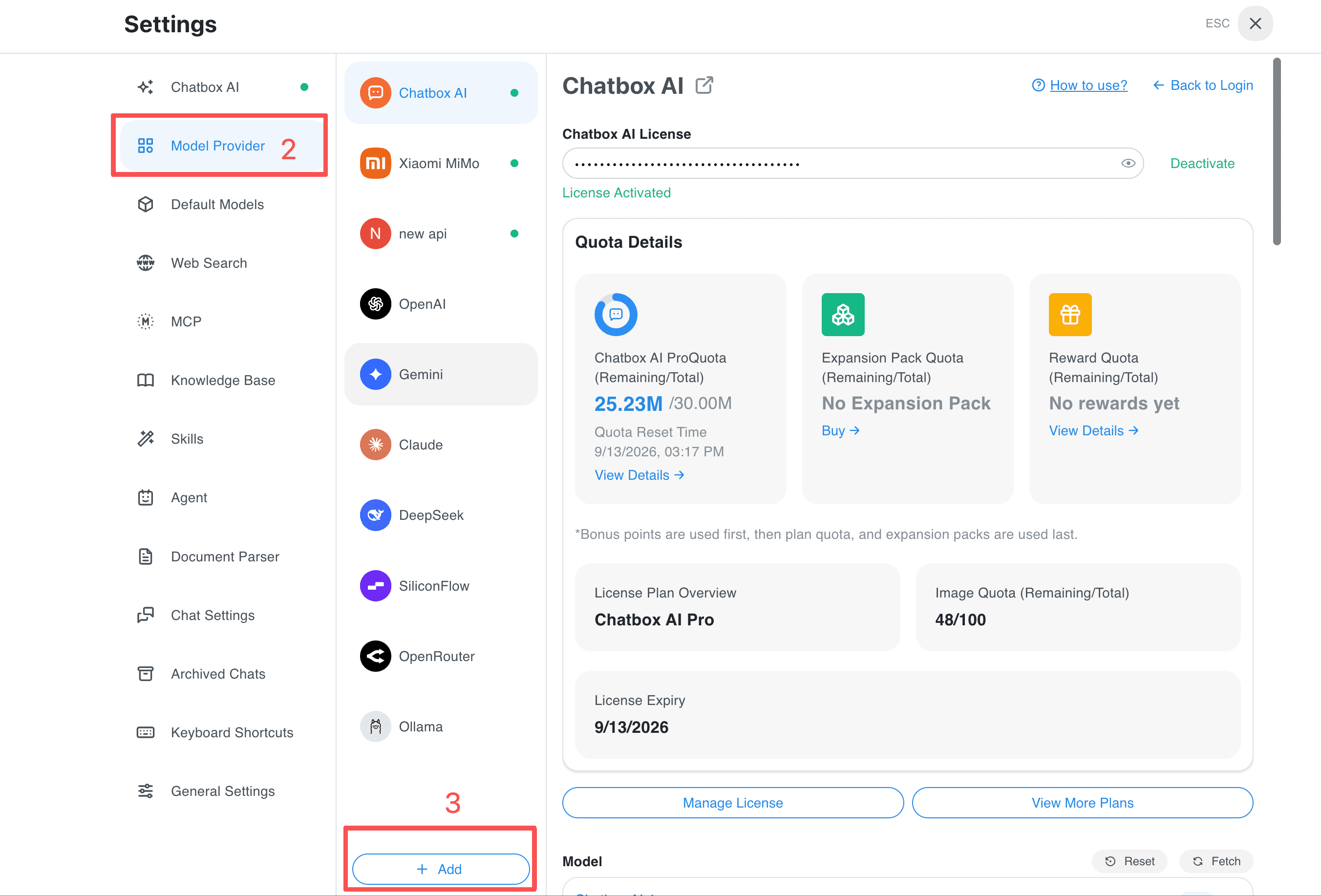
- Open Settings and select Model Provider.
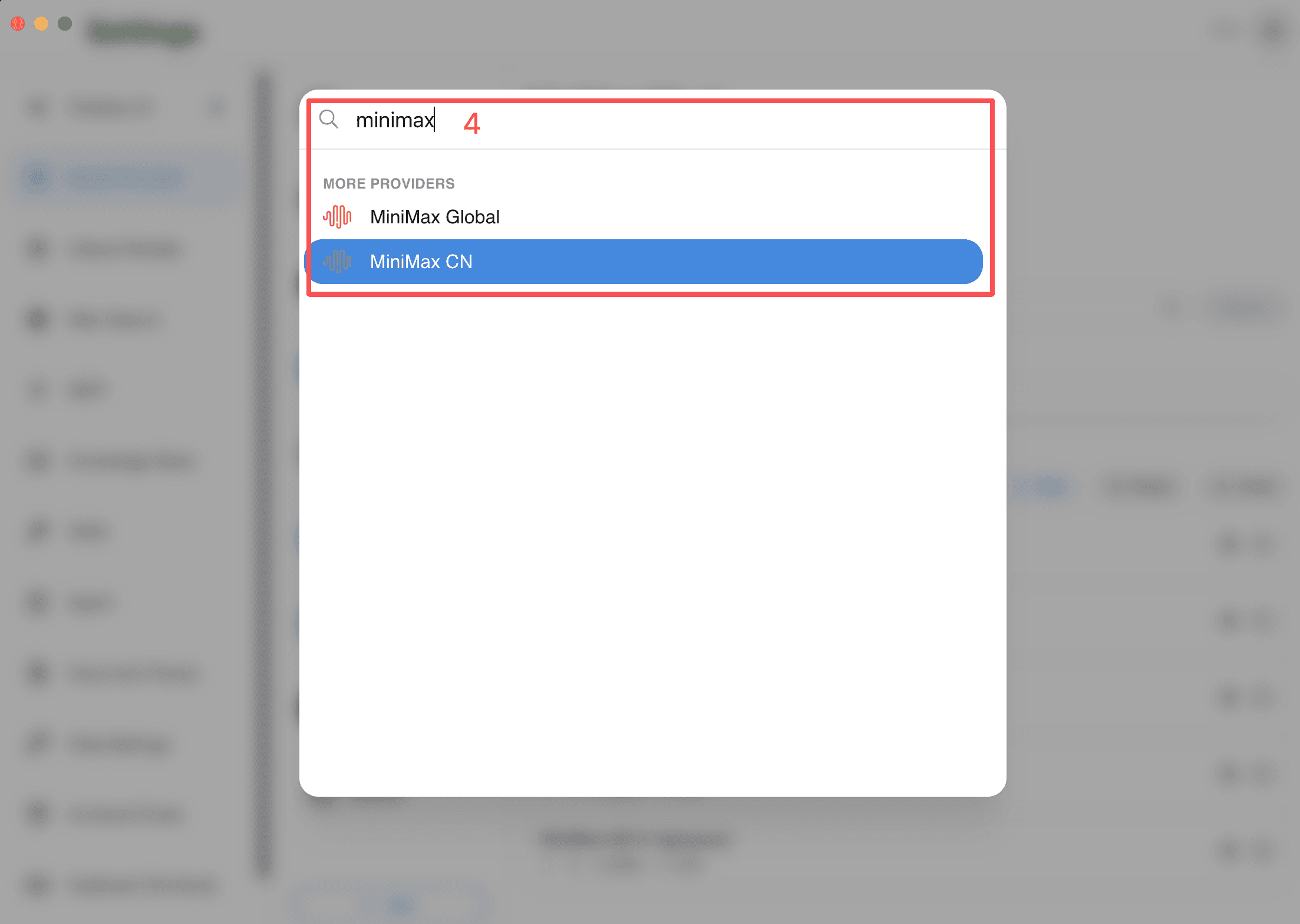
- Click Add, search for
MiniMax, and select MiniMax CN or MiniMax Global according to your account and region.
Enter the Subscription Key
Obtain a Subscription Key from the MiniMax Token Plan. The API Host is pre-filled by the provider. Paste the key into API Key, then click Check.
Select a Model
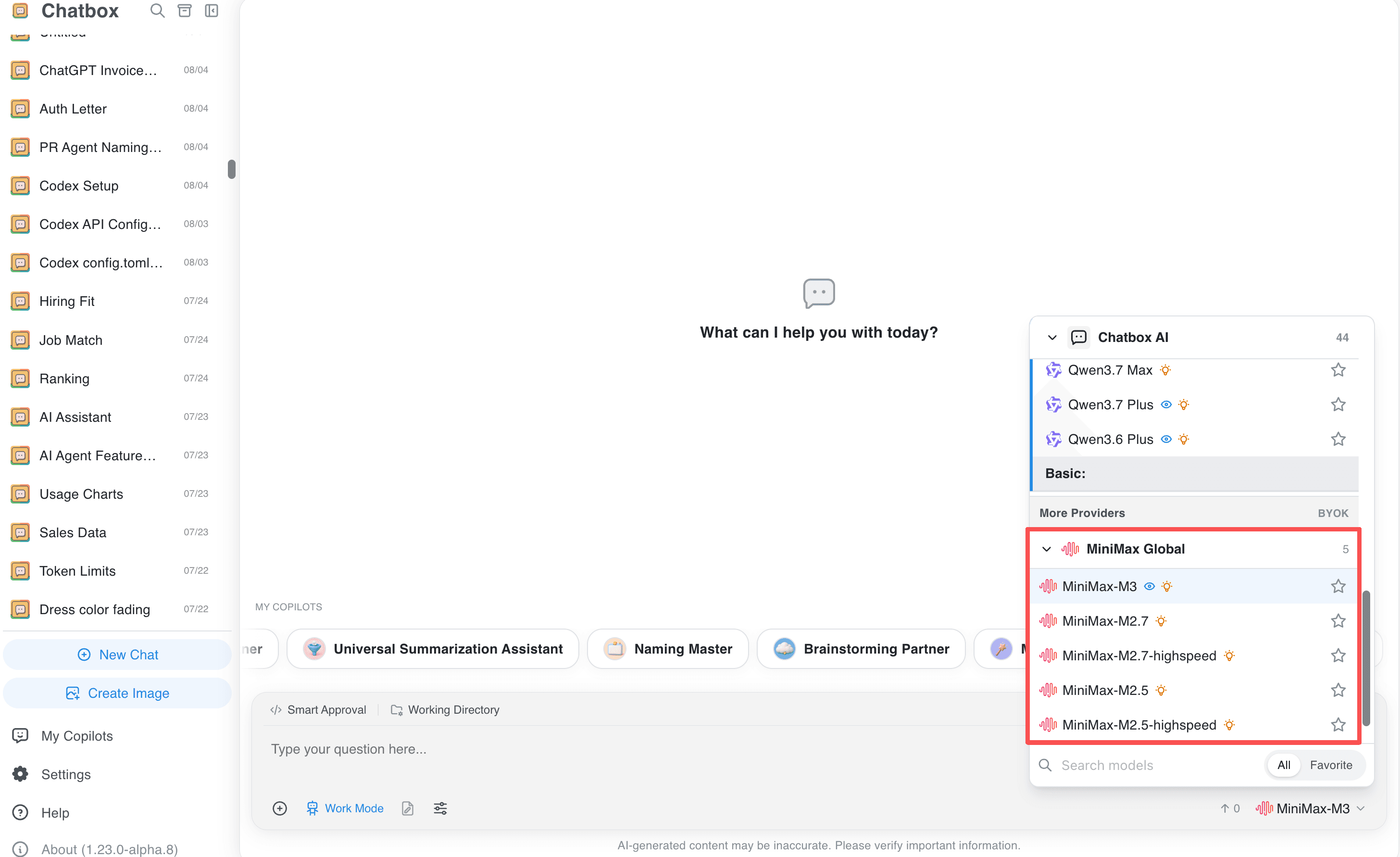
Select an available MiniMax model from the provider's model list. If the model list does not load, check the key and account status, then refresh the provider or add the model manually using the current model ID shown by MiniMax.
Troubleshooting
Match CN keys to the CN provider and Global keys to Global. Token Plan keys and ordinary API keys have different billing; confirm which key you created. If a model is missing, refresh the model list or copy its current ID from MiniMax.
Related guides
All providers · Choose a provider · Connection troubleshooting