LongCat Setup
Add LongCat to Chatbox, verify your API key, select an available model, and resolve endpoint or quota errors.
Prepare Your Account
Create an API Key on the LongCat Platform, then check the Usage page to make sure your account has enough token quota.
Configure LongCat
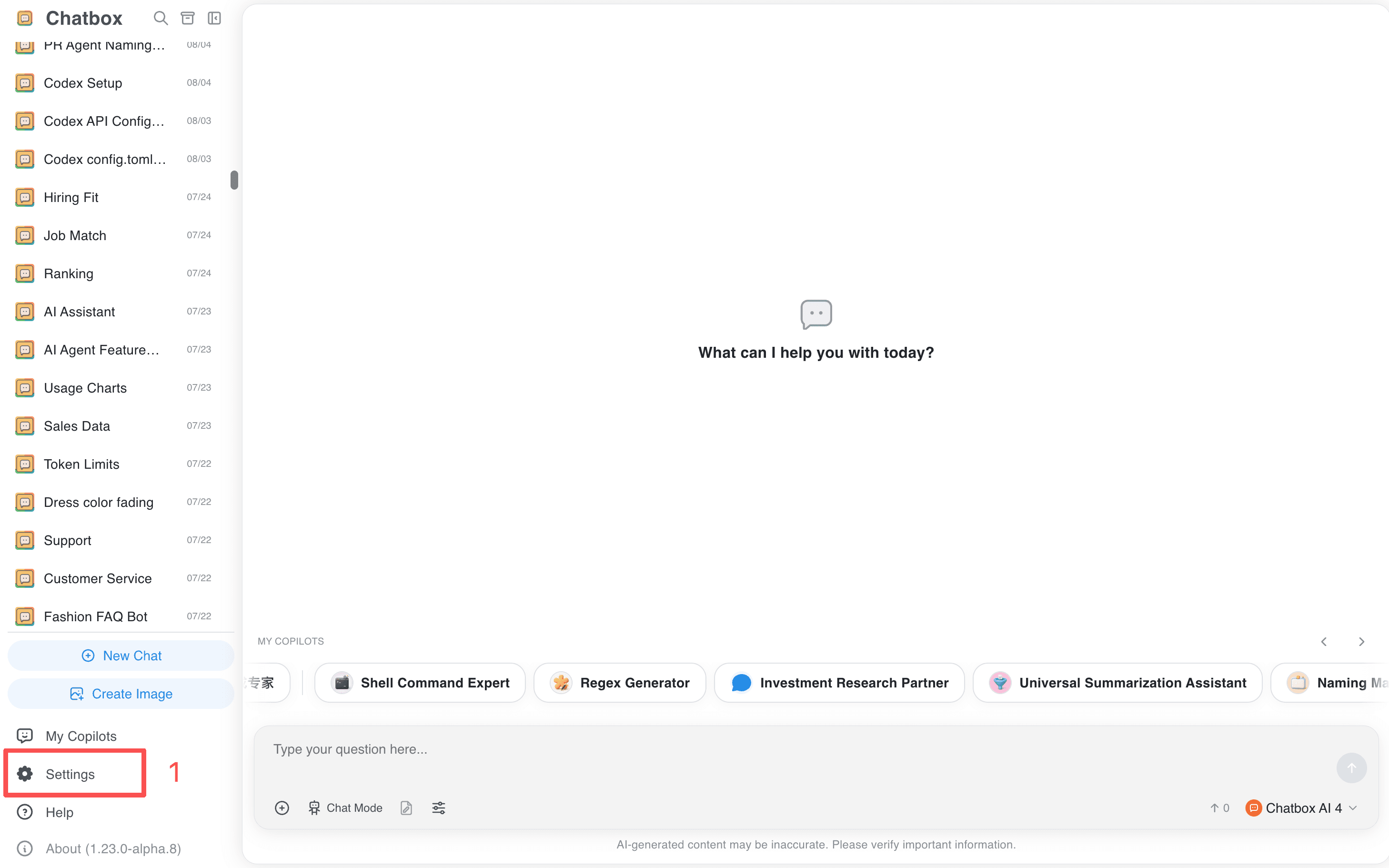
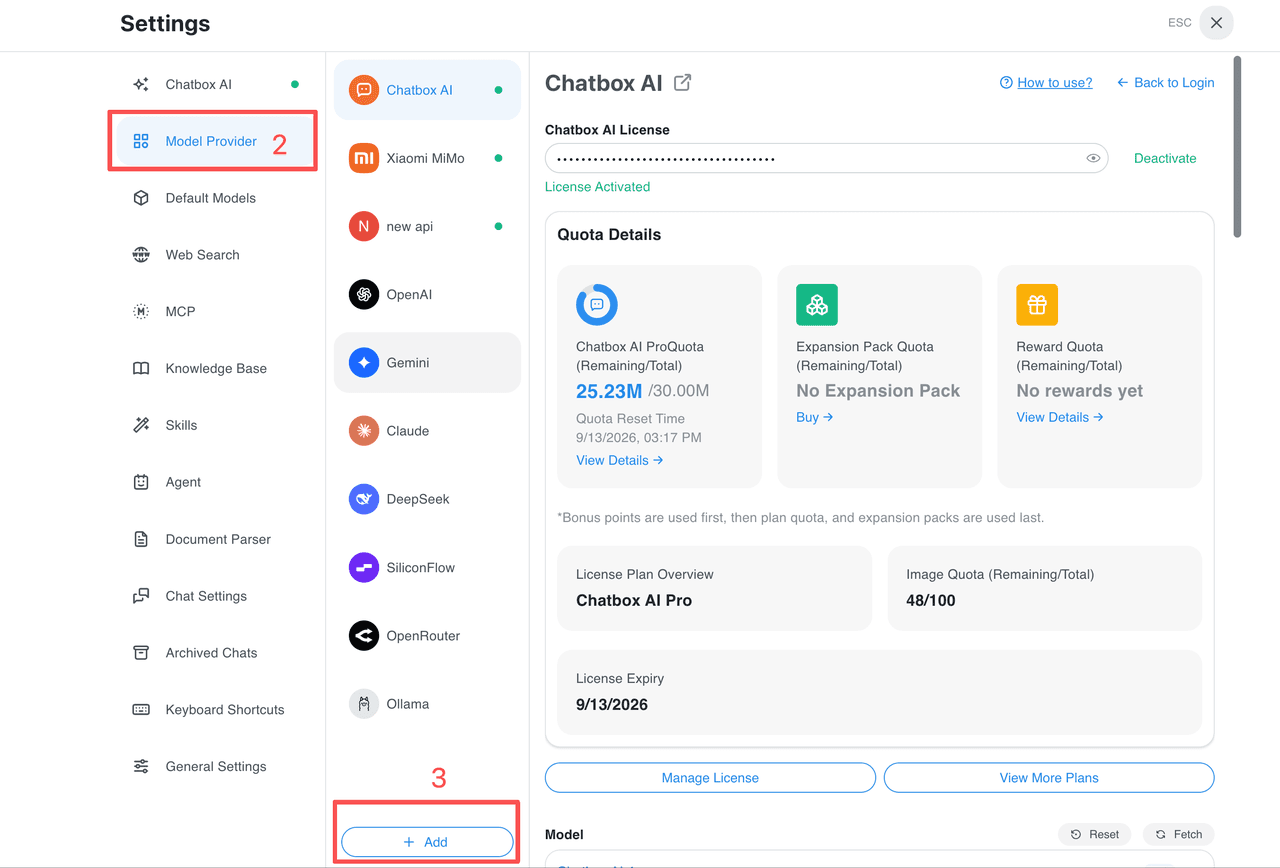
- Open Settings → Model Provider → Add.
💡
On mobile, tap the menu in the top-left corner to expand the sidebar before opening Settings.
- Search for and select
LongCat.
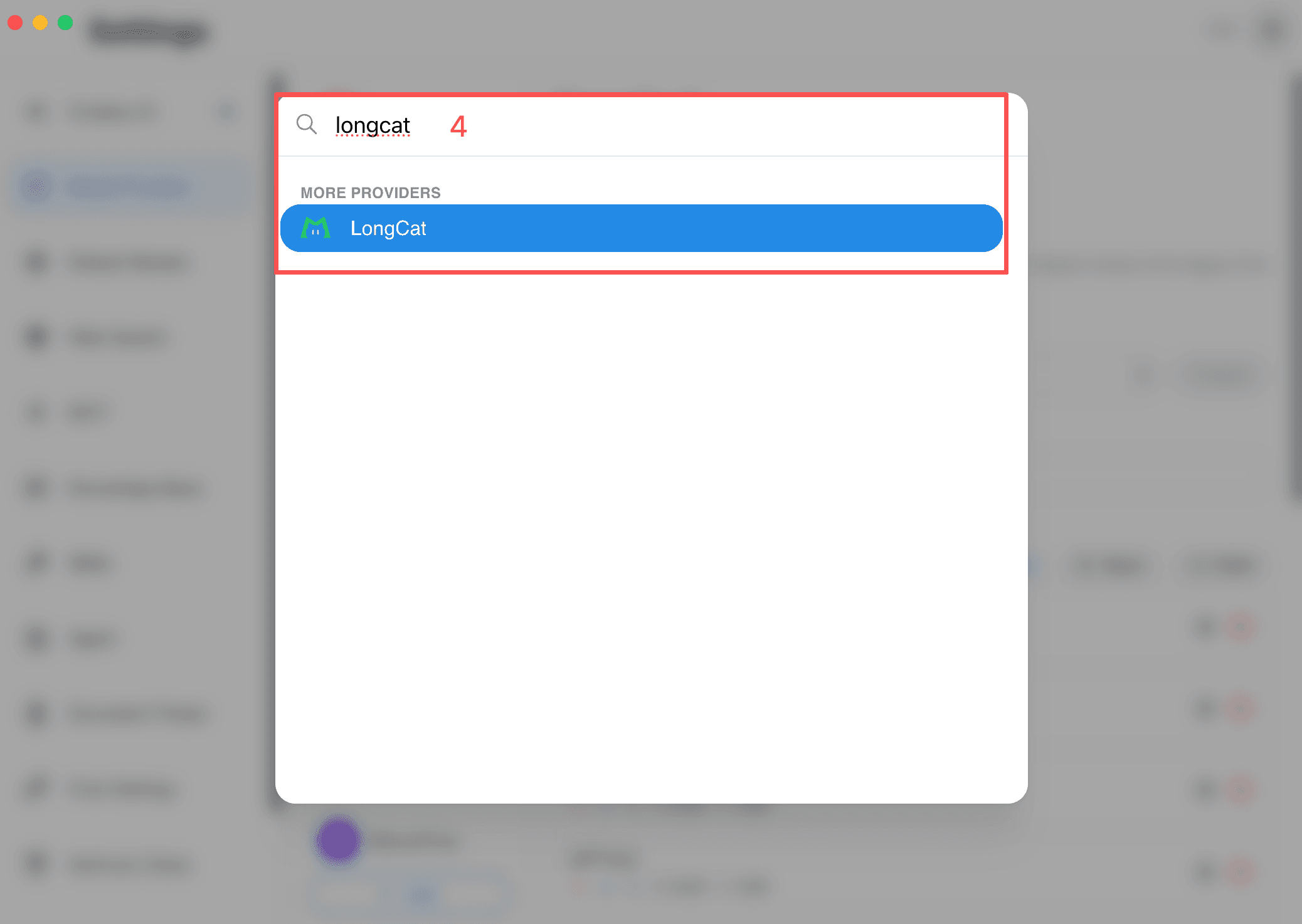
- Paste your LongCat API Key into API Key. The API Host is pre-filled and normally does not need changes.
- Click Check next to the API Key.
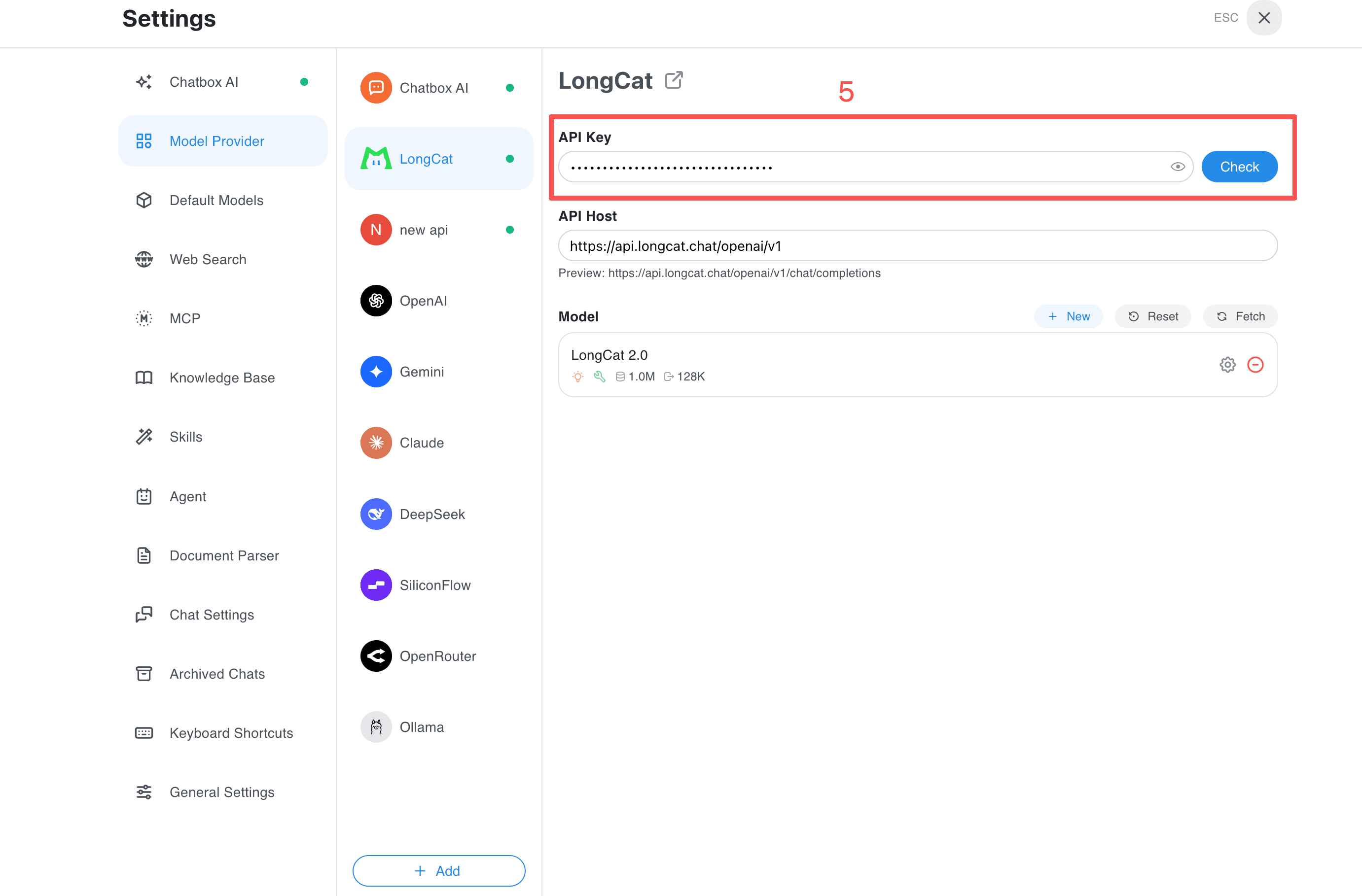
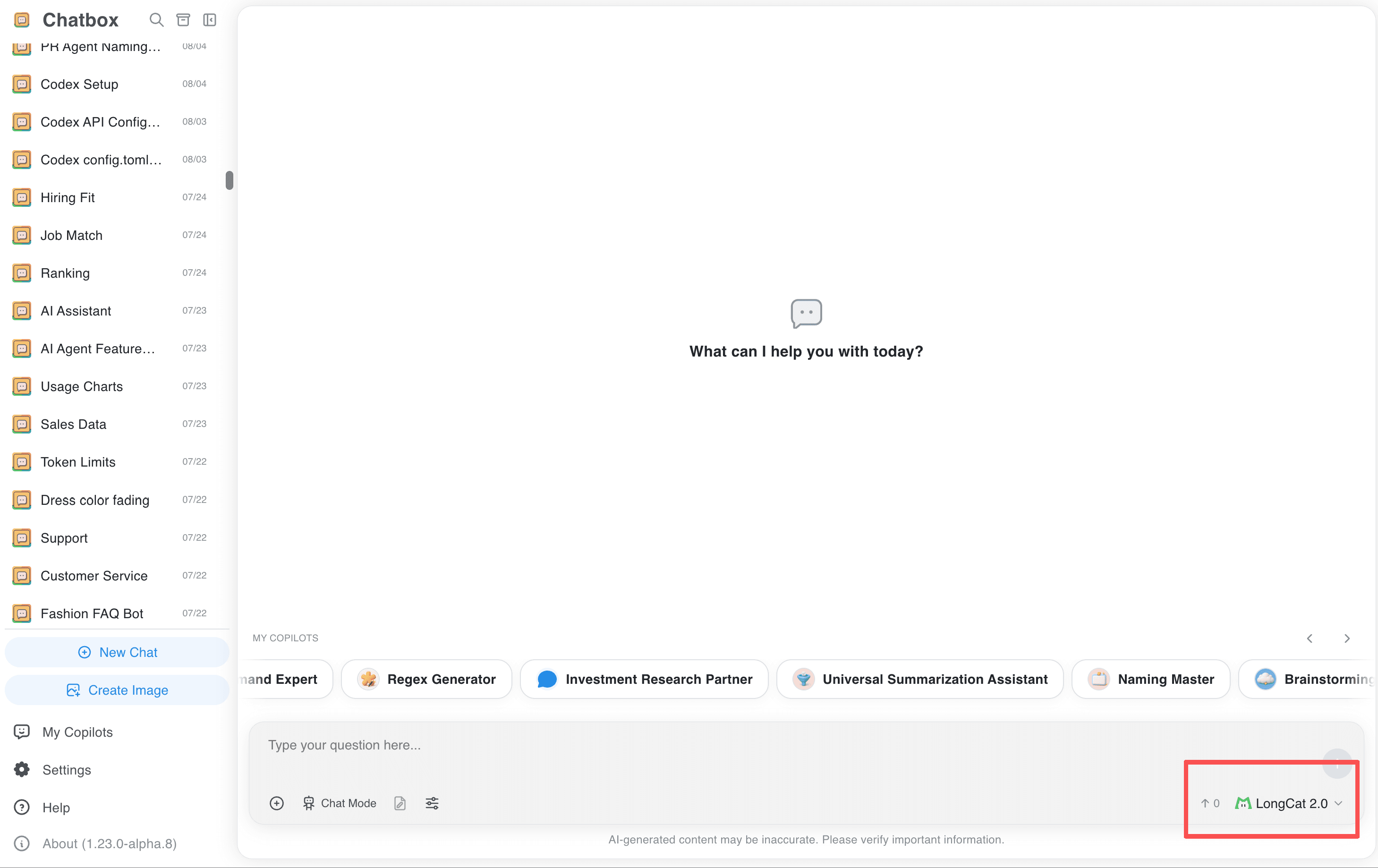
- Select an available LongCat model from the model list to start chatting.
Troubleshooting
Check your API quota and model availability in the LongCat console. For a custom OpenAI-compatible provider, the documented endpoint is https://api.longcat.chat/openai/v1/chat/completions; avoid omitting /openai or duplicating /v1.
Related guides
All providers · Choose a provider · Connection troubleshooting